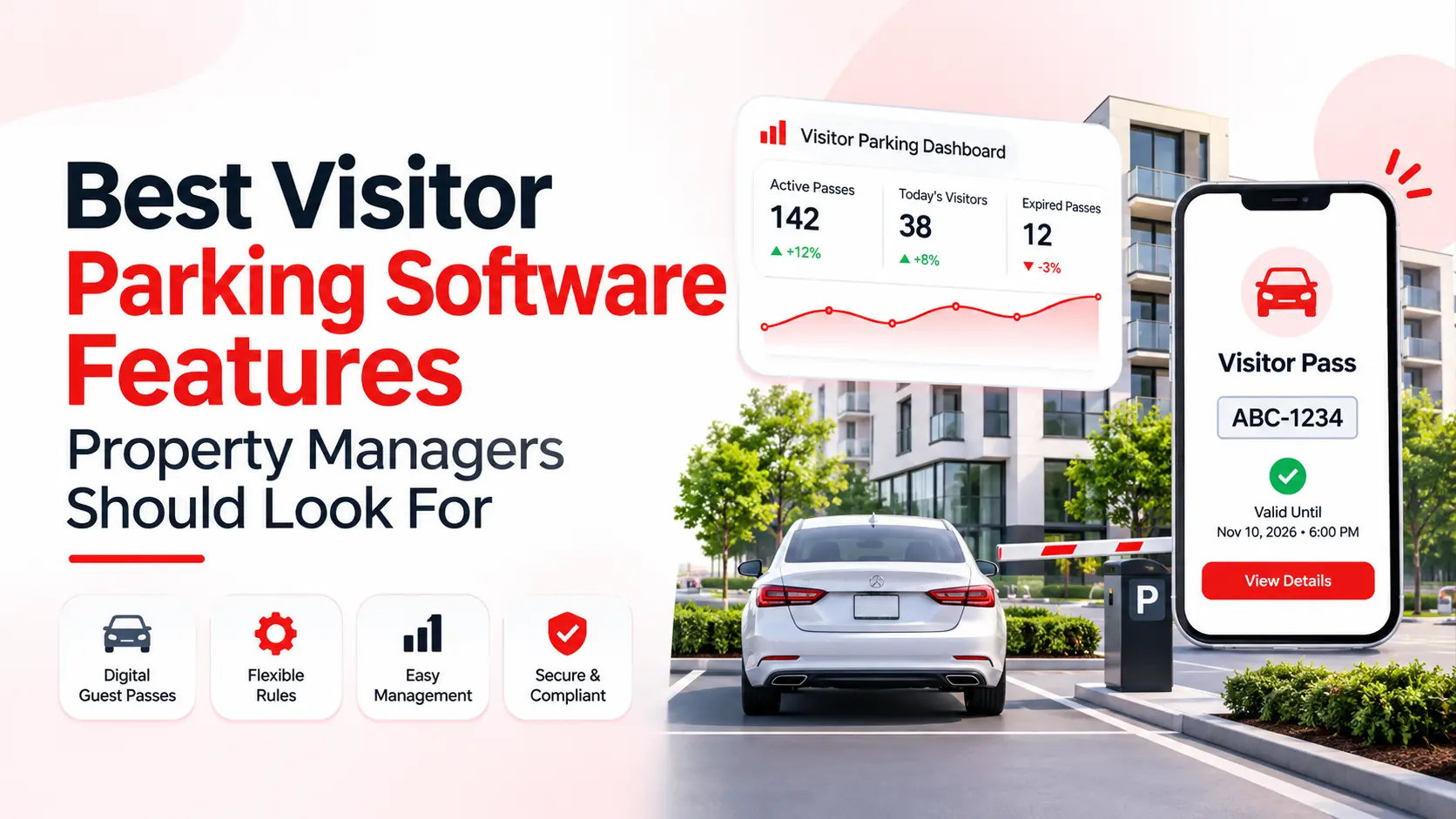
Visitor parking is a small job until it goes wrong. A resident’s guests fill the lot on a Friday night. A car sits in a guest space for three weeks. A tow gets disputed, and your office has no record of who approved what.
Good visitor parking software solves most of this. But not every tool does the same job. Some only issue passes. Others handle permits, enforcement, reports and payments in one place.
This guide shows you the features that matter, the ones that don’t, and how to test a system before you buy. It is written for property managers, HOA managers and community teams.
What Is Visitor Parking Software?
Visitor parking software lets a resident or guest register a vehicle for a set time. The system checks the request against your rules. If it passes, the guest gets a digital pass linked to the license plate. Your enforcement team can see that pass at any time.
It replaces paper permits, hang tags, spreadsheets and phone calls to the leasing office.
One quick note. A visitor management system is not the same thing. Visitor management handles check-ins, intercoms and door access. Visitor parking software controls where a guest’s car goes, how long it stays and who approved it. Some products offer both, but they solve different problems.
Why Paper Passes and Spreadsheets Stop Working
Manual systems break in the same few ways.
- Paper permits get copied or moved from car to car.
- The same vehicle shows up as a “visitor” every week.
- Staff can’t say when a pass was issued.
- Enforcement uses an old vehicle list.
- Residents dispute tickets and tows, and no one has proof.
- The leasing office spends hours approving requests.
These issues get worse near hospitals, schools, transit stops and shopping areas. Outsiders look for free parking there, and your lot is an easy target.
Parking also shapes how residents feel about your property. A guest who can’t find a legal spot has a bad first visit, and the resident hears about it. This is why visitor parking management has a real effect on resident satisfaction. A clear system keeps both guests and residents calm.
Write Your Parking Rules Before You Compare Software
Most guides skip this step. Please don’t.
Software should follow your policy. Your policy should not bend to fit the software. Before you book a demo, write down:
- Who can issue a visitor pass
- Where visitors may park
- How long a pass lasts
- Whether overnight parking is allowed
- How often the same vehicle can return
- How many passes each unit gets
- Whether parking is free, paid or mixed
- How you approve exceptions
- What happens when a car has no valid pass
Rules change from one property to the next. A downtown garage may allow a few hours. A suburban lot with open spaces may allow longer visits. Once your rules are clear, you can ask sharper questions and spot tools that can’t support them.
The Visitor Parking Software Features That Matter Most
1. Digital guest passes tied to license plates
This is the base feature. The pass is linked to the plate, not to a paper card.
There is nothing to print, hand out or stick on a windshield. A plate can’t be passed to a neighbor the way a hang tag can. Passes should start and end on their own, with no staff action.
2. Flexible rules and limits
A pass system with no limits only moves the problem. If the same car can ask for a new 24-hour pass every day, you still have a parking problem.
Look for limits you can set by:
- Unit
- License plate
- Number of visits
- Overnight stays
- Passes active at one time
- Parking area
Check that each property or lot can have its own rules. This matters most if you manage several communities. You should also be able to block a plate that keeps abusing the system.
3. Guest registration without an app
Many guests won’t download an app for one visit. If registration needs one, they will skip it. Then your patrol team tags cars that should have been fine.
Ask if residents and guests can register on a simple mobile web page. It should work on any phone. The safest choice is a platform that offers both an app and a web option.
4. A strong property manager parking portal
The property manager parking portal is where you spend your day. It should save you time, not add to your list.
Check that it lets you:
- See every active, expired and upcoming pass in one view
- Search by plate, unit or resident
- Approve, extend or cancel a pass
- Add exceptions with a reason and an end date
- Set user roles for leasing staff, security and patrol companies
- Review past registrations for any vehicle
- Export reports on your own
Roles and permissions are easy to overlook. When several people and an outside patrol company use one system, you need to control who can create a pass, change a plate, extend a time or cancel a permit.
5. Parking permit software for residents
Visitor parking and resident parking are linked. A resident who invites guests must be a current resident. The system has to know that.
Good parking permit software handles both sides. Residents should be able to add their own vehicles, update plates and request guest passes without calling the office. It should support several permit types, such as resident, guest, temporary and reserved.
This also saves staff time. Plate changes no longer go through the leasing office.
6. License plate recognition and enforcement tools
A pass only helps if enforcement can check it. Look at how a patrol officer verifies a car. They should be able to search a plate on a phone and see if the pass is active, expired, linked to an exception or tied to an earlier violation.
License plate recognition, or LPR, goes one step further. Cameras read plates and match them to active passes. This can be done from a patrol vehicle or a handheld reader. Some platforms work with many camera brands. Others need specific hardware. Ask which one applies.
One detail many vendors skip is close-match review. Guests make typos. They type a zero instead of the letter O. They drop a character. They pick the wrong state. A good system flags likely mistakes for a human check before anyone writes a ticket or calls a tow truck. This one feature can prevent many wrongful tows.
7. Records, audit trails and dispute support
When a resident challenges a tow, you need proof. The system should log every action with a time stamp.
Each record should show:
- License plate and state
- Unit visited
- Pass start and end time
- Parking area
- Pass type and payment status
- Any approved exception
- Past registrations
- Warnings, citations or tows, with photos and notes
Keep active and expired passes available for review. Old records show whether a vehicle keeps coming back. They also protect you in hearings and in talks with your towing partner.
8. Property management system integration
Guest parking only works when resident data is correct. A past resident should not be able to issue passes. A new resident should not wait days for access.
Ask how the platform connects to your property management software, such as Yardi, Entrata, RealPage, MRI or AppFolio. Some systems sync residents, leases and units on a schedule, as TowCentric does with Yardi, Entrata, RealPage and other major platforms. Then ask a few practical questions:
- How are move-ins and move-outs handled?
- What happens with unit transfers and inactive accounts?
- How often does the data update?
Without a solid sync, your team ends up fixing records by hand. That wipes out much of the benefit.
9. Automatic notifications
Residents, guests and managers should get alerts for new passes, expiry warnings and violations. Email and text messages are the most common. These alerts cut down on “I didn’t know” complaints and reduce calls to your office.
10. Reporting and analytics
Reports turn complaints into facts. You can adjust your policy based on what happens in your lot, not on guesses.
Useful reports include:
- Passes issued by day
- Repeat license plates
- Units with frequent visitors
- Overnight parking activity
- Expired passes
- Violations
- Revenue from paid passes
- Use by parking area
Reports can also reveal a hidden issue. If one plate keeps showing up on the same unit’s guest passes, that person may be living there without being on the lease. The data gives you something solid to review under your lease terms. Make sure you can export reports for owners, HOA boards and legal reviews.
11. Paid parking options
When there is a lot of space and it is not crowded, you can park free of charge! When space is at a premium, or you’re interested in cutting back on the protracted stay, you can go with paid or mixed models.
One typical configuration is to provide each unit with a stipulated number of free “oversights,” after which the orderer pays for any additional ones. It is common to have a number of free “oversights” per month for each unit, after which the “oversights” are sold as needed. For any charging, verify the rate, time of charge, fees, peck-back status, payees and how the revenue will be accounted for from the charging activity. The payment(s) should appear in the same dashboard as the pass.
12. Security, privacy and data handling
You will store license plates, unit numbers and vehicle records. That is personal data, so ask about it.
- Where is the data stored?
- Who can see it?
- How long is it kept?
- Can records be deleted on request?
- Does the vendor hold a security certification, such as SOC 2?
Also check your local and state rules on towing and plate data. Laws differ by location. Talk to your legal advisor before you start enforcement.
Features That Sound Good but May Not Matter
A long feature list does not mean a better fit.
Live occupancy tracking. A digital pass shows who is allowed to park. It does not show which spaces are open. For that, you need cameras, sensors or gate records. If a vendor promises “real-time occupancy,” ask how the system gets that data.
Dynamic pricing. Rates that change with demand can add revenue at busy garages. For a normal apartment visitor lot, it is often not needed.
Space sharing and public marketplaces. These help properties rent out unused spaces. That is a different goal from controlling guest parking.
Gate and hardware integrations. Useful if you have gates. A waste of money if you don’t.
Pick based on your property, not on the longest list.
Which Features Fit Which Property Type
Apartment communities. Per-unit limits, multi-building support, PMS sync and quick guest registration with no app.
HOAs. Rules that match your governing documents, board-ready reports, clear towing steps and strong dispute records.
Condos. Limits on overnight and long-term visitors, plus support for shared lots and garages.
Student housing. Tighter frequency caps, short passes for campus visitors and rules that follow the school calendar.
Mixed-use and commercial properties. Booking tools, time-based passes, paid parking and access control links.
Questions to Ask Every Vendor
Bring these to your demo calls.
- Can we set limits by both unit and license plate?
- Can each parking area have its own rules?
- Can we control repeat and overnight use?
- Can guests register without an app?
- Does enforcement see current pass data on a phone?
- Does the system support LPR, and with which cameras?
- Can close plate matches be reviewed before a ticket?
- Can we keep our current patrol or towing company?
- How do we record exceptions for caregivers, contractors and rental cars?
- Are free, paid and mixed passes available?
- Which reports are included, and can we export them?
- How is resident data imported and updated?
- What roles and permissions can we set?
- How is data stored, and for how long?
- What does onboarding include, and what support do residents get?
How to Test the Software in a Demo
A polished demo can hide weak spots. Ask the vendor to run your own scenarios.
- Register a normal guest pass.
- Try to register the same plate again right after it expires.
- Enter a plate with a typo and see what happens.
- Ask for more passes than a unit’s limit.
- Add a caregiver as an approved exception.
- Cancel a pass and check that enforcement sees the change.
- Pull a report on repeat plates.
- Check a pass as a patrol officer on a phone.
If the vendor can’t show these, expect problems after launch.
How to Roll It Out
A smooth launch takes five steps.
- Review your current parking setup and note the problems.
- Put your rules in writing.
- Set up parking areas, limits, user access and enforcement settings.
- Test normal passes, repeat requests, expired passes, wrong plates and exceptions.
- Tell residents before go-live.
Don’t start enforcement until you and your patrol company see the same pass data. A pilot on one lot is a smart first step. After launch, review activity for the first few weeks. Fix unclear signs, limits or instructions early, before they cause repeat disputes.
Signs matter too. Your signs, parking maps, resident notices and registration page should all say the same thing.
Common Mistakes to Avoid
- Picking software before writing the policy
- Choosing a tool that needs an app for every guest
- Skipping the PMS integration check
- Ignoring plate typos, then facing wrongful tows
- Handling exceptions by email where enforcement can’t see them
- Starting enforcement before residents know about it
- Paying for features the property will never use
Quick Feature Checklist
Before you choose, confirm the platform offers:
- Plate-based digital guest passes
- Limits by unit, plate, visit and overnight stay
- Guest registration with no app needed
- A manager portal with roles and permissions
- Resident self-service for vehicles and passes
- Mobile plate lookup for enforcement
- LPR support and close-match review
- Time-stamped records with photos
- PMS integration
- Email or text notifications
- Exportable reports
- Optional paid parking
- Clear data security and retention policies
Final Thoughts
The correct visitor parking software systems provide you with control without compromising efficiency. It allows your members to register as easily as guests, keeps it fair for your residents, and provides your patrol team with facts, not guesses.
Begin with your rules! Match them up with the features listed above. After that, finally check out the software prior to making a sign. Having one tool to manage all of these issues with passes, enforcement, records and reports will save you hours and reduce disputes for years!
Desire to see how such a thing functions in the real world? TowCentric is a complete visitor parking solution that combines the functions of parking, visa and tow services. Schedule a walk-through and see the antes and get a good visualization of how it will look at your home.
Frequently Asked Questions
What is visitor parking software?
It is a system that lets residents or guests register vehicles for short-term parking. It checks each request against your rules, issues a digital pass linked to the plate and gives enforcement a live record.
How does visitor parking management work?
A resident or guest enters the plate, unit and visit time. The system applies your limits and issues a pass. The pass starts and ends on its own. Patrol staff check it by plate lookup or LPR, and managers review activity in a dashboard.
Can guests register without downloading an app?
Many platforms offer a mobile web page so guests can register with no app. Ask the vendor to confirm this, since some tools require one.
How does the software stop guest parking abuse?
It limits how often a plate or unit can get passes, tracks repeat use and lets you block problem plates. Registration history shows patterns that paper systems never reveal.
Do I need license plate recognition?
Not always. Small properties can start with handheld plate lookup. LPR helps larger properties that want automatic, steady checks. Make sure the software can add it later.
What happens if a guest overstays?
When a pass ends and the vehicle is still on site, the system can log a violation with the plate, time and photo. Staff then follow your policy. That may mean a warning, a citation or a tow.
Can it work with Yardi, Entrata or other property management systems?
Many platforms connect with systems like Yardi, Entrata, RealPage and MRI. Ask how move-ins, move-outs and unit changes sync, and how often.
How much does visitor parking software cost?
Pricing depends on the vendor and the size of your property. Published guides often describe per-unit monthly pricing, flat monthly fees for small communities and custom quotes for large portfolios. Unit count, LPR hardware, integrations and support all affect the price. Get quotes from several vendors.
Is visitor parking software good for HOAs?
Yes, if it supports your governing rules, such as per-household limits and overnight limits. Look for strong records and reports that back up decisions to your board and in disputes.
What is the difference between visitor management and visitor parking software?
Visitor management handles check-ins, intercoms and building access. Visitor parking software controls where a guest’s car parks, for how long and who approved it. Some products offer both.